

Ever found yourself wondering if that pesky number you blocked is still lurking in the shadows of your iPhone? You’re not alone. Many people have experienced the joy of blocking unwanted calls only to be left in the dark about who’s been sent to the digital dungeon. It’s like a game of hide and seek, but with way less fun and a lot more annoyance.
Understanding Blocked Numbers on iPhone
Blocked numbers prevent unwanted calls and messages from reaching an iPhone user. Many people struggle with this feature, unsure of its implications and functionality.
What Does Blocking a Number Mean?
Blocking a number means that calls and text messages from that specific number won’t reach the device. This feature acts as a barrier against unwanted communication, ensuring peace of mind. Users can block numbers easily through their phone settings, providing an efficient way to manage unwanted interruptions. When a user blocks a number, that caller may not realize their attempts to reach the user go unanswered. The blocked party doesn’t receive any alerts notifying them of the block, maintaining the user’s privacy.
Why You Might Want to Check Blocked Numbers
Users might want to check blocked numbers for various reasons. A forgotten block may prevent necessary communication from important contacts. Checking blocked numbers helps users ensure they haven’t accidentally blocked vital connections or mixed up contacts. Managing blocked numbers allows for reviewing any recent changes in communication preferences, contributing to better control over incoming calls. Re-evaluating blocked numbers empowers users to stay informed about their connectivity choices, aiding in avoiding future misunderstandings.
Steps to Check Blocked Phone Numbers on iPhone
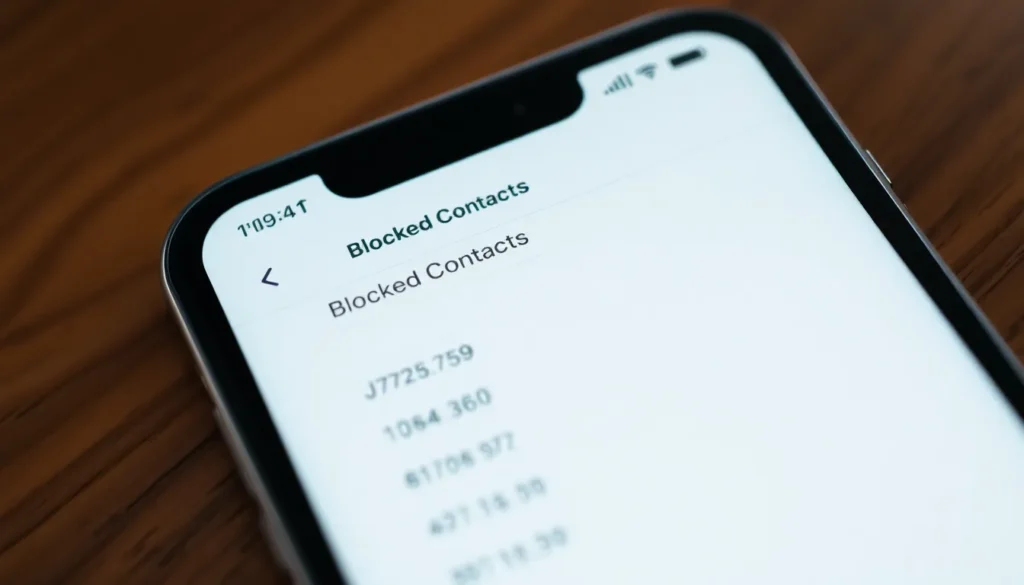
Checking blocked phone numbers on an iPhone helps users manage their contact list more efficiently. Two straightforward methods exist for reviewing these blocked contacts: using the Settings app or the Phone app.
Using the Settings App
- Open the Settings app.
- Scroll down and tap on Phone.
- Select Blocked Contacts.
- Review the list of blocked numbers.
Each number in this list is blocked. Users can easily remove contacts by tapping Edit and then the red minus sign next to the number. Confirming the action will unblock the contact. This method provides a clear view of all blocked numbers.
Using the Phone App
- Launch the Phone app.
- Tap on Contacts at the bottom of the screen.
- Select the contact you want to check.
- Scroll down to find the option called Block this Caller.
Exiting the visual will clearly show if the number is blocked. Users can unblock numbers here as well by tapping the Block this Caller option, confirming the unblocking process. This approach allows for a quick check while managing direct contacts.
Additional Tips for Managing Blocked Numbers
Managing blocked numbers effectively enhances communication. Users may find these tips helpful.
Unblocking a Number
Unblocking a number on an iPhone requires a few simple steps. First, open the Settings app and select Phone. From there, tap on Blocked Contacts to view the list of blocked numbers. Next, users can swipe left on the number to reveal the Unblock option. Tapping this option restores the ability for that number to contact them. Numbers can also be unblocked directly from the Phone app by accessing the contact and choosing Unblock this Caller. This straightforward process allows users to adapt their contact list as needed.
Keeping Your Blocked List Updated
Regularly updating the blocked list ensures it reflects current preferences. By reviewing blocked contacts every few months, users can identify any unintentional blocks on important numbers. Adjustments should be made when circumstances change, like losing a contact or wanting to reconnect with someone. Maintaining an updated list reduces confusion and helps manage communication clearer. Consider updating the list after receiving feedback from missed calls or messages. Keeping the list current leads to better overall management of communication.
Managing blocked phone numbers on an iPhone is essential for maintaining effective communication. By regularly checking the blocked list users can ensure they don’t miss important calls from contacts that may have been inadvertently blocked. The straightforward methods outlined make it easy to review and manage blocked numbers.
Staying proactive about communication preferences not only enhances user experience but also prevents potential misunderstandings. Keeping the blocked list updated allows users to enjoy peace of mind while ensuring they remain connected with the right people.


